> For the complete documentation index, see [llms.txt](https://docs.boomerangme.cards/llms.txt). Markdown versions of documentation pages are available by appending `.md` to page URLs; this page is available as [Markdown](https://docs.boomerangme.cards/mailings-and-other-services/how-to-create-a-telegram-bot.md).
# How to Create a Telegram Bot
Follow these steps to create a Telegram bot:
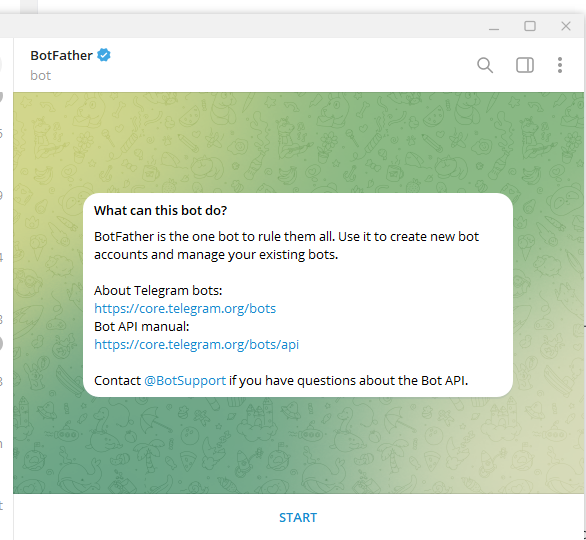
**1. Find BotFather**
* Open Telegram and search for **@BotFather** — this is the official bot for creating and managing other bots.
#### 2. Start the Creation Process
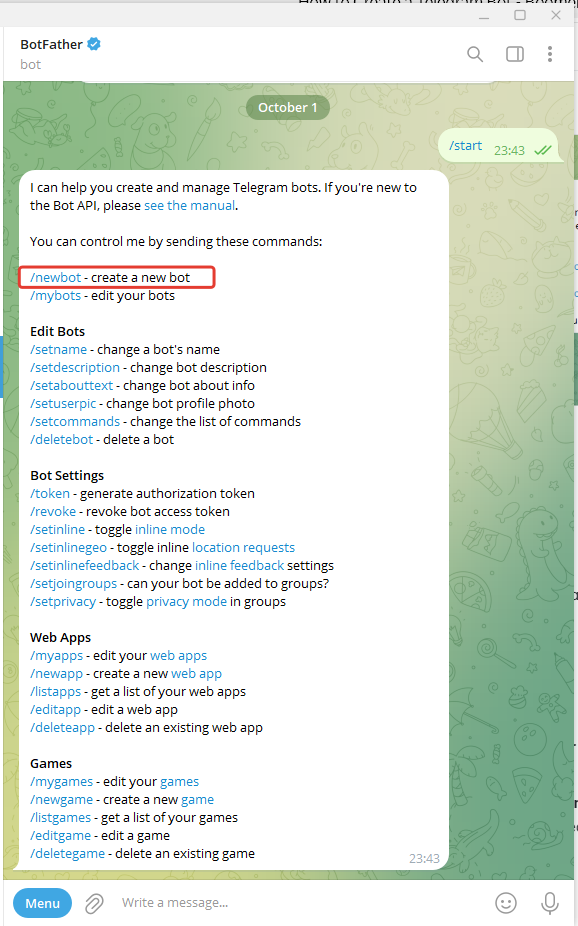
* Send the **/start** command to BotFather.
* Then, use the **/newbot** command to create a new bot.
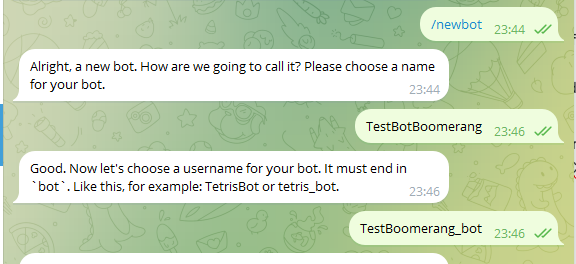
#### 3. Choose a Name and Username for the Bot
* BotFather will ask you to provide a **name for your bot**. This name will be visible to users (you can change it later).
* Next, BotFather will ask for a **unique username** for your bot. The username must be unique and end with **bot** (for example, MyCoolBot or Weather\_Bot).
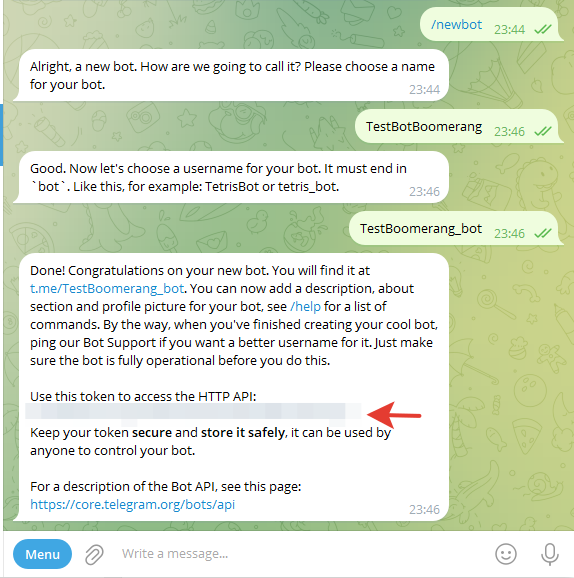
#### 4. Get the Token
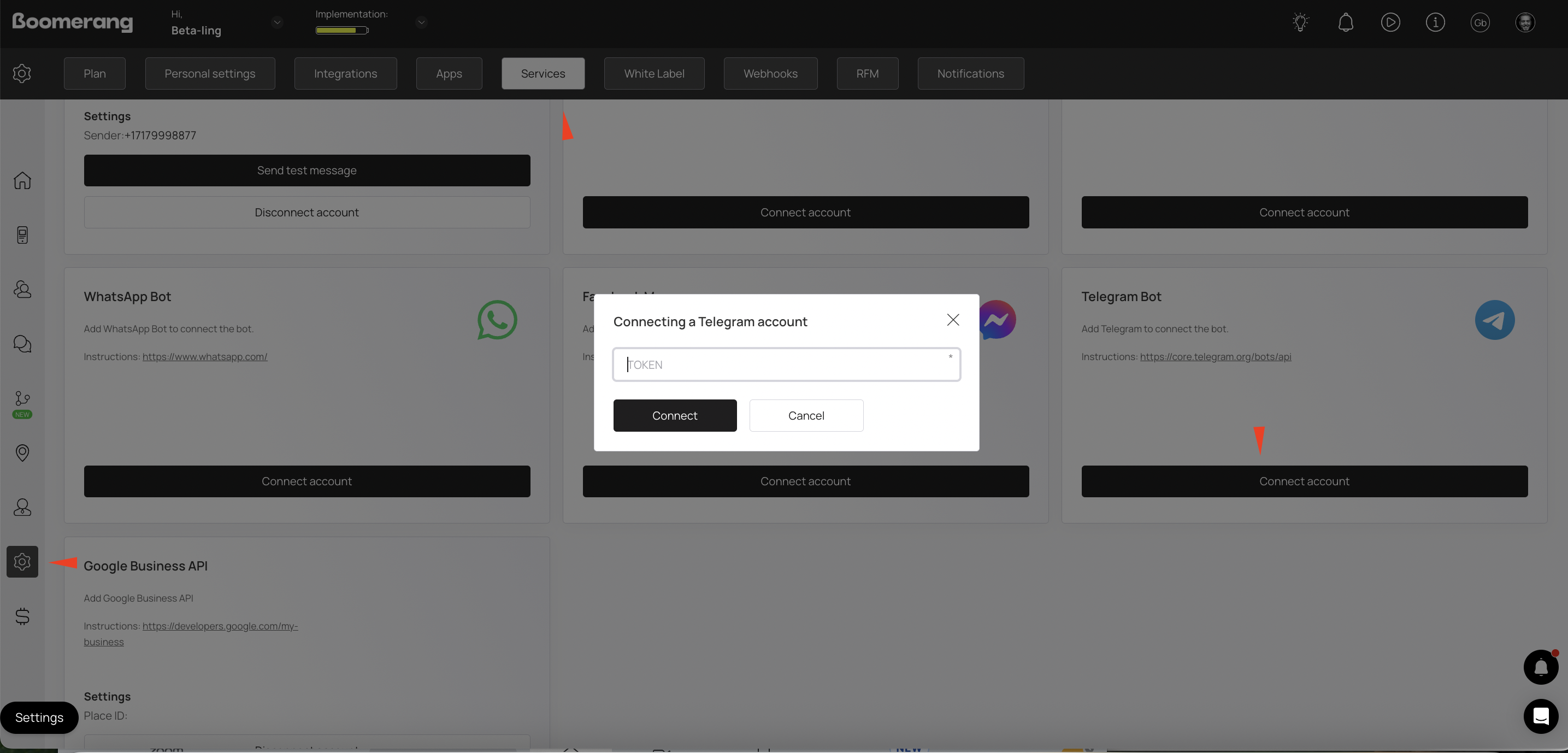
* Once the bot is created, BotFather will give you an **API token**. This token is used to connect your bot to code and manage it via the Telegram API. Be sure to save it.
#### 5. Connect the Bot
* Use this token to connect your bot to app.